Finish the first build. Start with the cuts written down.
If you want a backyard shed or a workbench that does not rock, half-diagrams are the usual stall. We recommend a downloadable plans library with step-by-step instructions, drawings, cut lists, and materials lists — so you can shop once and work in order.
A backyard shed and a workbench you can actually square up
The checkout library has more project types. These two are the ones we send beginners toward first, because they teach measuring, cutting, and assembly without asking you to invent a cut list from a photo.
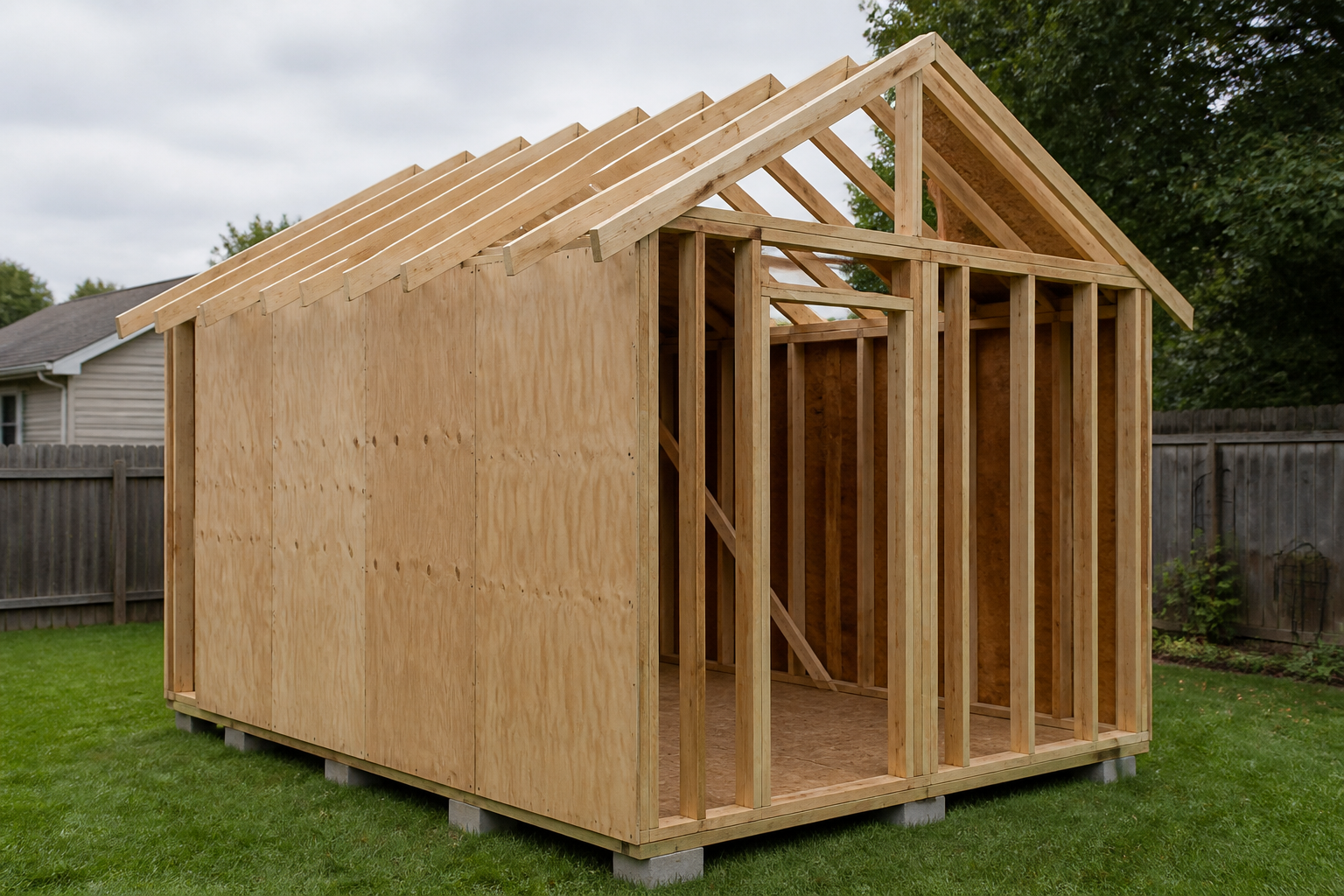
Shed in progress — walls and a roof that meet, not a photo of the finished box.
Backyard shed
Walls, a door, and a roof that meet — not a sketch of the shape
You need a reasonably level patch of ground, room to set up a circular saw, a drill, a tape measure, a square, and a weekend you can keep. A full plan tells you board lengths, how many of each, fastener types, and the order to raise walls. A screenshot from a mood board usually shows the finished box and leaves you reverse-engineering the rest in the driveway.
We do not quote lumber prices here; they move by region and grade. The materials list in the plan is what you take to the yard so you are not guessing lengths at the rack.
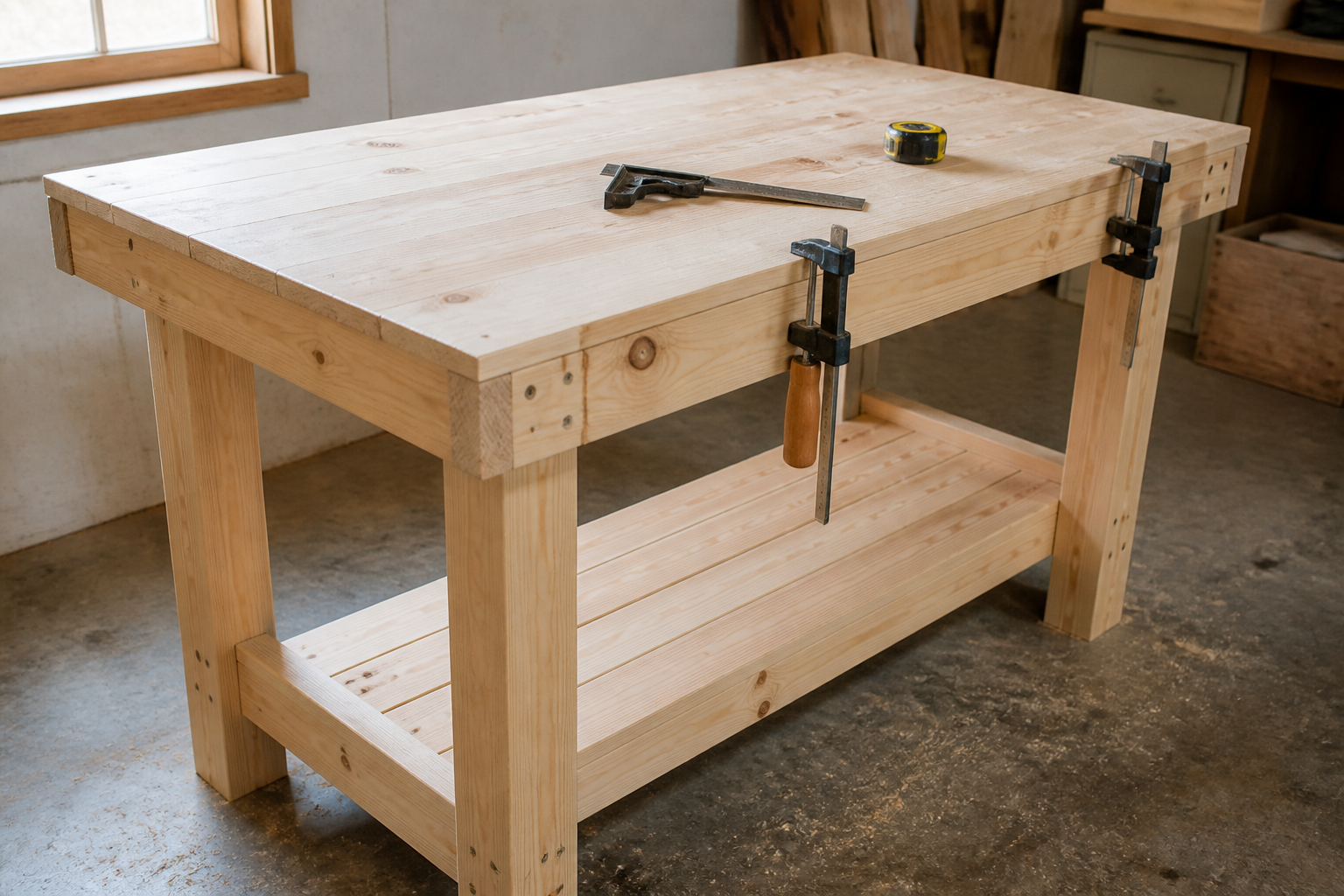
A bench that stays put — the first build, before the garage projects sit on it.
Garage / workshop workbench
A bench that stays put when you lean on it
A solid workbench is the first piece that makes later projects easier. You need floor space in a garage, basement, or carport, the same basic tools (circular saw, drill, tape, clamps if you have them), and a design that stays square. The plan’s cut list is what keeps the top flat and the legs from walking.
Pinterest will show you a pretty top. It will not tell you which boards carry the load or when to check for square. That is the difference a complete plan is for.
What’s in a plan
Four things a screenshot never hands you
Each plan in the library is a downloadable packet aimed at beginners. You print what you need, mark it up, and take the shopping list to the lumber yard.
01
Cut list
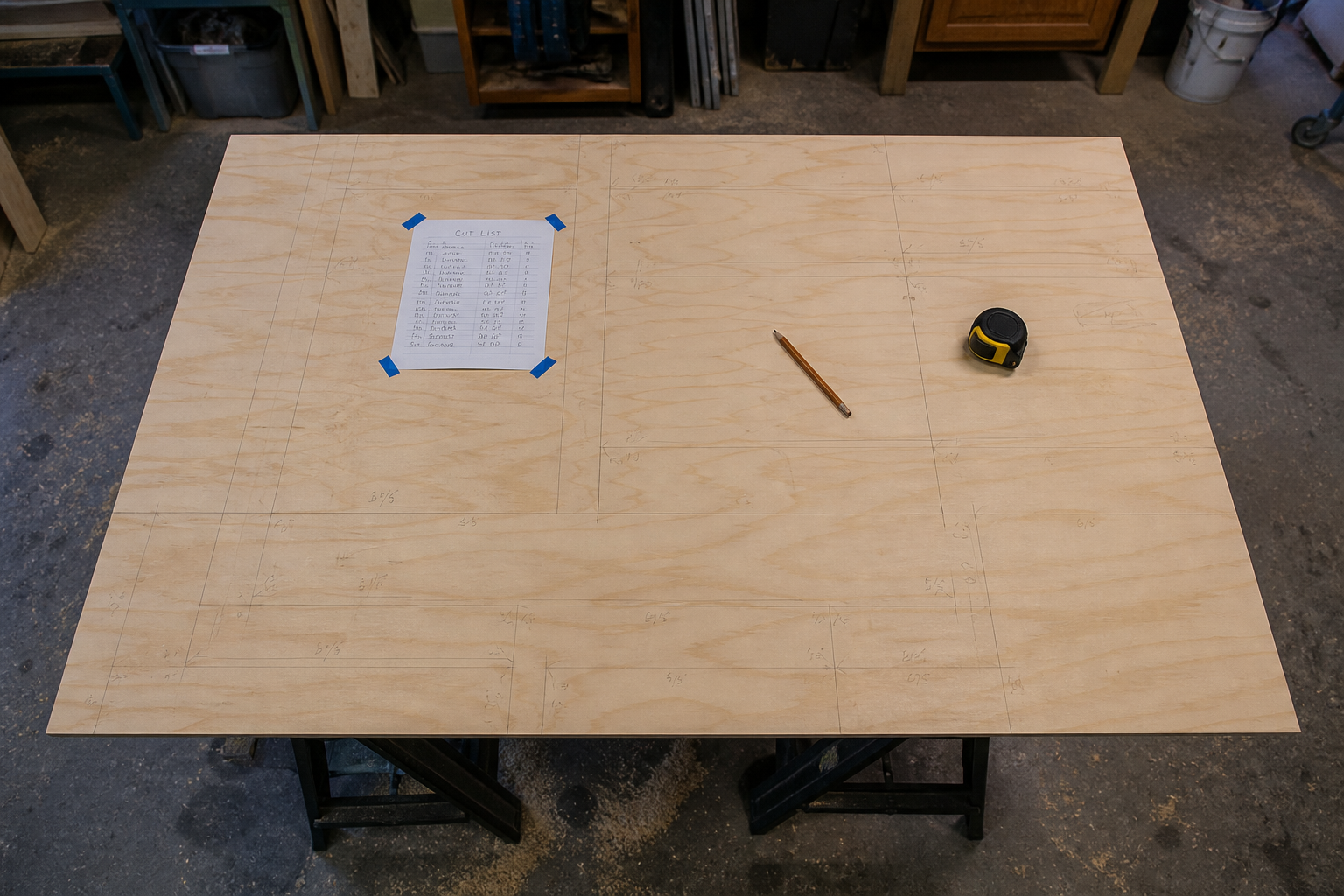
Every board length and quantity written out before you buy. That is how the first build gets finished instead of stalling at “I think this is close enough.”
02
Shopping / materials list
Lumber, fasteners, and hardware in one place so you are not making a second trip for hinges or missing a box of screws mid-assembly.
03
Diagrams
Drawings of elevations, joints, and how pieces meet. Not a single isometric that hides the back side of the wall.
04
Assembly order
Which parts go together first, so you are not holding a wall up with your knee while you hunt for the next board.
Fit
Who this is for — and who should look elsewhere
For
Beginners working in a garage, driveway, or carport who can follow written steps, measure twice, and use a circular saw and a drill with respect. You do not need a cabinet shop. You do need patience and a square.
If you have never framed anything, start with the workbench. It is indoor, smaller, and it teaches the same habits the shed will ask of you.
Not for
These plans are not a substitute for eye and ear protection, a dust mask, or safe tool habits. A backyard shed may need a building permit, a setback check, or HOA approval where you live. We do not pull permits for you. Check your city or county before you pour a pad or raise walls.
If you need someone else to swing the hammer, hire a builder. This is a plans library, not a construction crew.
Checkout
How buying works
Simple Build Plans is an affiliate site. We do not sell the plans ourselves, and we do not keep a copy of the files.
Click through from this page
Selling links open ClickBank checkout in a new tab. That is a third-party payment processor, not our cart.
Pay the seller
Price is shown at checkout. We do not set it and we do not invent a number here. The seller’s offer page and ClickBank’s terms govern the purchase.
Download from their members area
After you pay, you get access from the seller — not from simplebuildplans.com. Keep the receipt ClickBank emails you; that is how you get back in if you change computers.
ClickBank purchases typically include a refund window. The seller’s policy at checkout is the one that applies — not a promise we invent on this page.
FAQ
Before you click through
Where do I get the files after I pay?
From the seller’s members area, after ClickBank processes the order. We do not host the plans and we cannot resend a download. Use the email and receipt from checkout if you need to recover access.
What skill level is this?
Beginner, assuming you can read a tape, cut with a circular saw, and drive screws with a drill. The shed is a bigger weekend than the workbench. Neither one is “watch one video and skip the measuring.”
What tools do I need?
At a high level: circular saw, drill/driver, tape measure, square, pencil, and a safe place to cut. Clamps, a level, and sawhorses help. Each plan’s materials list covers lumber and hardware; tool lists can vary by project, so read the packet before you buy extra gear.
Do I need a permit for a backyard shed?
Often, yes — it depends on size, height, setbacks, and local rules, and an HOA can add its own. These plans do not replace a permit. Call your building department before you buy materials or pour a pad.
What if I want a refund?
Refunds follow the seller’s policy at ClickBank checkout. ClickBank purchases typically include a refund window; we do not administer refunds and we do not add a separate guarantee on top.
Are you the company that wrote the plans?
No. Simple Build Plans is an affiliate / advertorial site. We recommend a third-party digital woodworking-plans library. If you buy through our links, we may earn a commission at no extra cost to you.
How do I contact you?
Email hello@simplebuildplans.com. For order, download, or refund questions, use ClickBank and the seller’s support from your receipt — we cannot log into their members area for you.
Cut list on the sheet before the first cut. Check permits and setbacks before the shed leaves the paper.